
Paperless Warehouse Management
Digitising Warehouse Operations Without Replacing Legacy ERP
Accord
Integrated with BCP Accord
Tablet App
Connected to tablet app
Goods in
Guided delivery checklist
Inventory synchronisation
Live updates
The Challenge
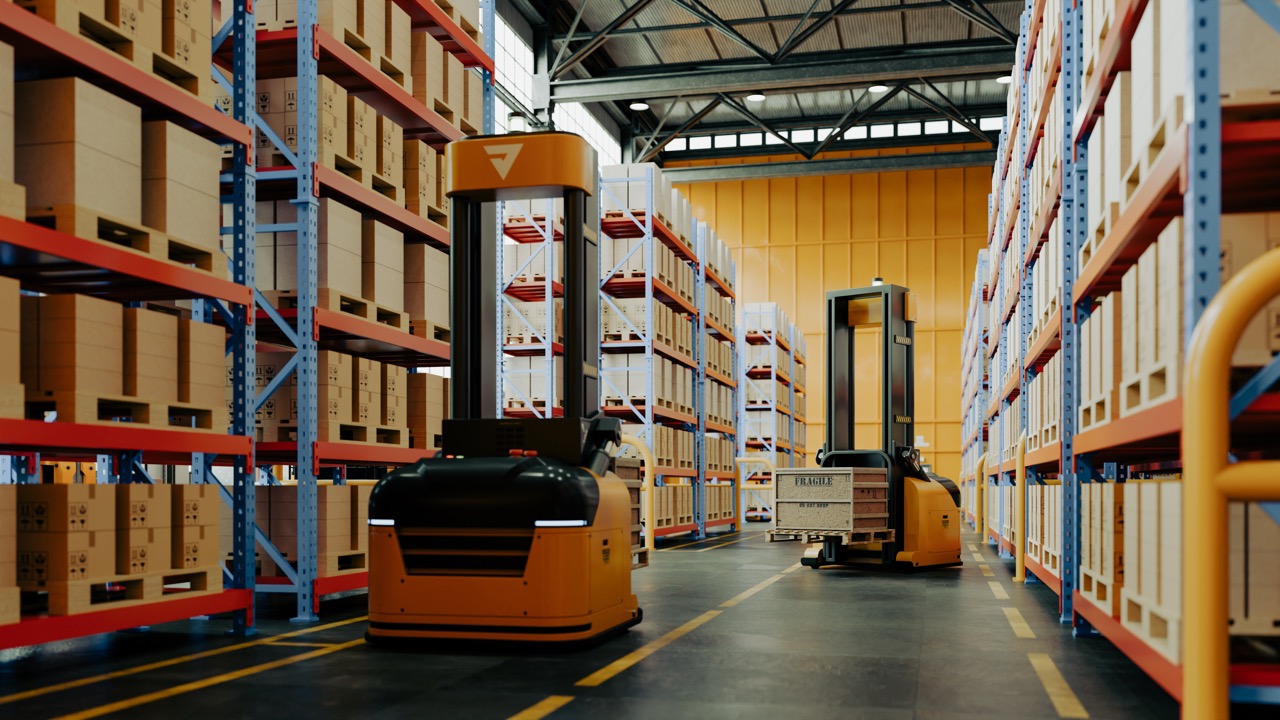
A growing distributor relied on a legacy ERP system to manage purchasing and stock, but warehouse teams were still dependent on printed paperwork and manual processes to receive deliveries.
Goods arriving throughout the day had to be cross-checked manually before being booked into the ERP, slowing down warehouse operations and increasing the risk of errors.
Previous advice suggested that achieving a modern warehouse workflow would require replacing the ERP system or implementing a separate warehouse management solution.
The Solution
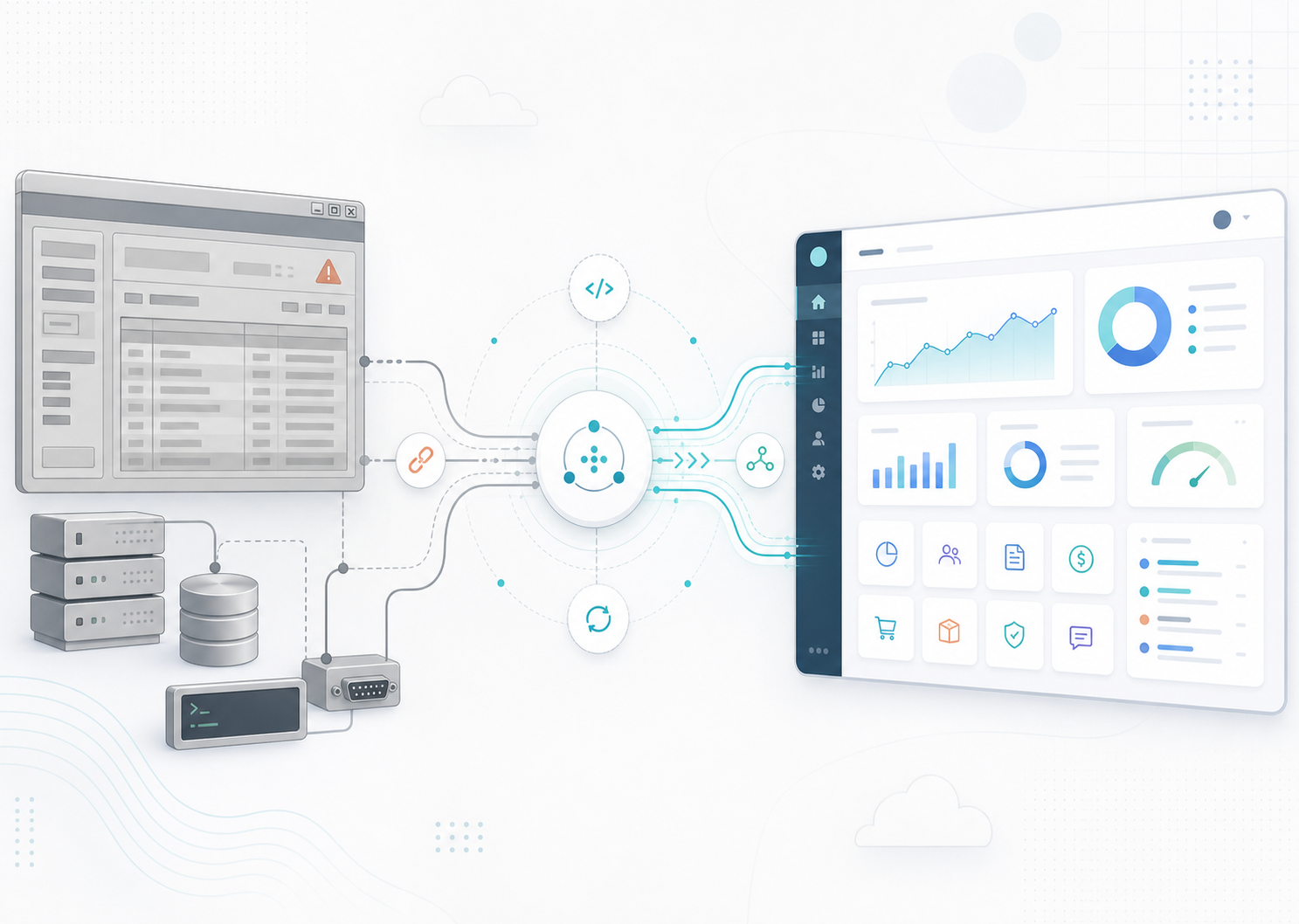
ModernisERP introduced a tablet-based warehouse management platform that integrates directly with the existing ERP system.
Purchase orders expected for delivery are automatically synchronised to the warehouse application, providing staff with a clear, prioritised checklist of expected deliveries.
Warehouse teams can:
- View all expected deliveries for the day
- Confirm goods received directly from a tablet
- Record shortages and discrepancies
- Complete goods-in processes without returning to the ERP
- Manage warehouse stock through a modern web portal
Once deliveries are completed, ModernisERP automatically synchronises the goods received back into the ERP, ensuring inventory is updated without duplicate data entry.
The Outcome
The business modernised its warehouse operations while continuing to use the ERP system that already managed purchasing, stock and finance.
The solution delivered:
- Paperless goods-in processing
- Tablet-based warehouse workflows
- Faster booking of incoming deliveries
- Reduced manual administration
- Improved stock accuracy
- Real-time synchronisation with the ERP
- No ERP replacement required

.svg)



